 FitzTools

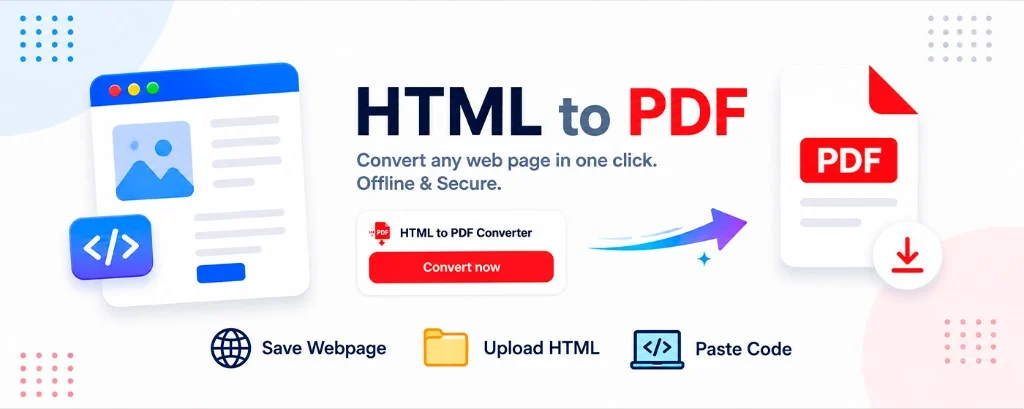
ProductivityFree
HTML to PDF Converter: Upload & Paste Code
Save a webpage, upload an HTML file, or paste HTML code and export it as PDF in your browser.
- Save webpage
- Upload HTML
- Paste code
- Runs locally
FitzTools ships focused browser extensions for everyday work — clear, fast, and free to start.
Extensions
Small tools with a clear job. Install from the Chrome Web Store.
Save a webpage, upload an HTML file, or paste HTML code and export it as PDF in your browser.
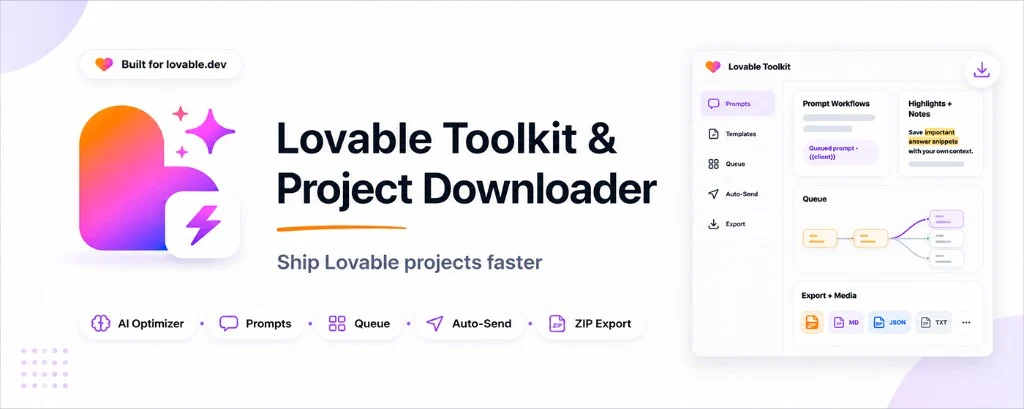
Prompt library, AI optimizer, queue with auto-send, and ZIP export for Lovable projects.
About
A small studio focused on useful Chrome extensions — not clutter.
Each extension does one thing well, with a clean UI and honest permissions.
Every product has its own clear Privacy Policy and Terms of Use. Core flows stay practical and transparent.
English-first listings with broad language support across our products.
FAQ
Local processing means core conversion happens in your browser. Your page content is used to build the PDF on your device instead of being sent to our servers for that step.
Each product has its own Privacy Policy and Terms of Use. Open them from the header, the footer, or any product card.
Yes — the core features of HTML to PDF Converter and Lovable Downloader are free to start.
From the official Chrome Web Store. Use the buttons on this site to open each live listing.
Install a tool in seconds — no account needed.